

Good monitoring should tell you when something’s actually wrong — not page you every time a third-party script updates or a planned maintenance window kicks in. This month’s WebOrion® Monitor update is about exactly that: less noise, and less manual setup. Two changes cut the busywork out of keeping your monitoring accurate.
Here’s everything that’s new.
Cut false-positive alerts from third-party scripts — in one click
Third-party scripts — analytics tags, Tag Manager, Hotjar, chat widgets — change on their own schedule, and every change can look like a defacement to a monitor that’s watching the whole page. That’s one of the most common sources of false-positive alerts.
The new Suggest Policy action takes care of it. During baselining, from the View Webpages list, Suggest Policy automatically scans a URL for external third-party scripts and generates the policy rules needed to exclude them from monitoring. Review the suggestions, then apply them with Create Policy with Suggested Rules — it creates a policy if one doesn’t exist yet, in a single step. No more building exclusion rules by hand, one script at a time.
If you manage pages with embedded analytics or marketing tags, this is the fastest way to stop the alerts you don’t need without dialling back the monitoring you do.
Schedule recurring maintenance windows once — across every affected page
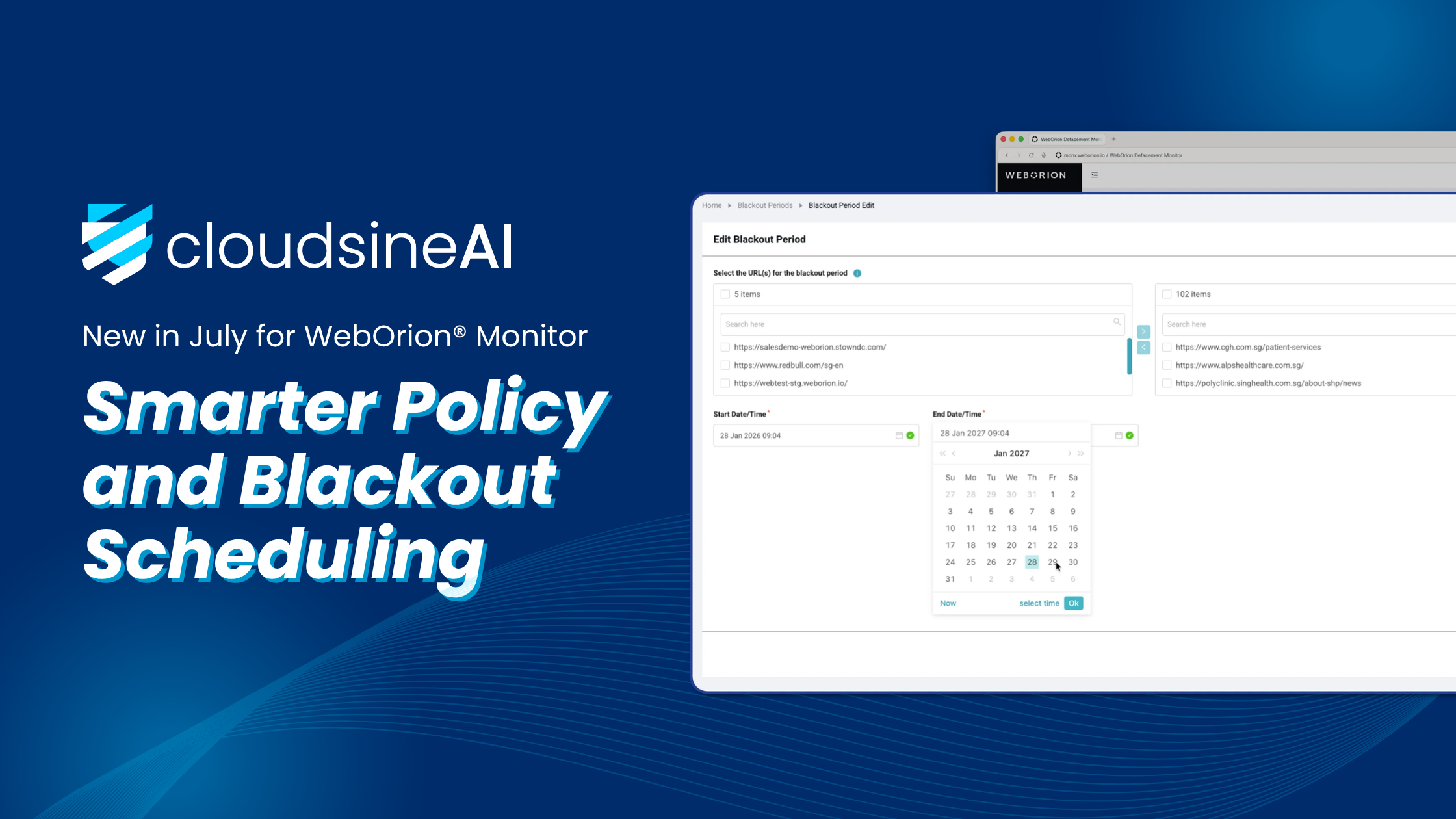
Batch & Recurring Blackout Windows build on exactly that. Blackout windows pause monitoring during planned maintenance so scheduled downtime doesn’t trigger defacement alerts — and two upgrades make them far less tedious to run at scale.
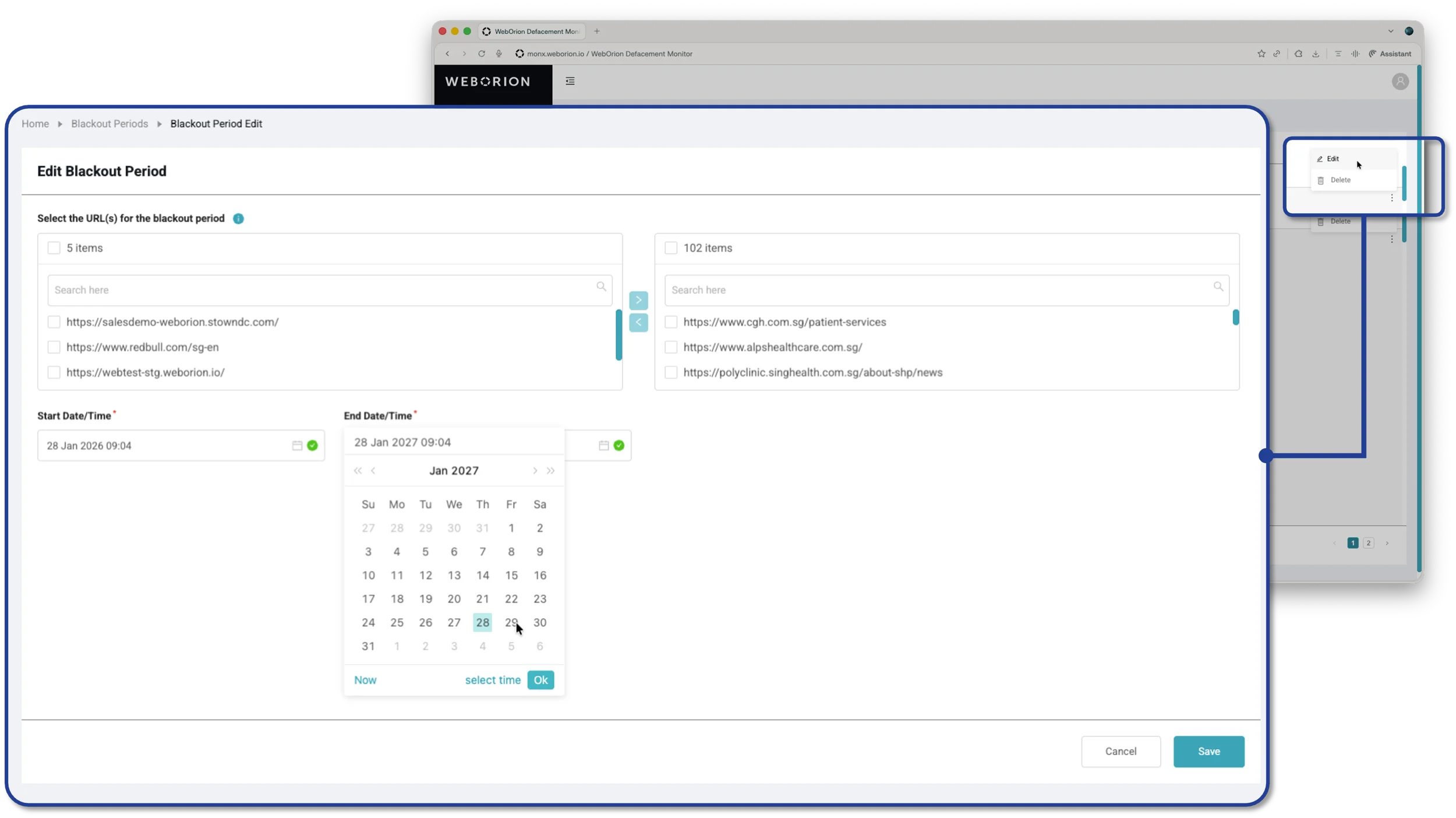
First, batch setup: when you create a blackout period, you can now select multiple webpages at once in the table, instead of configuring them one page at a time.
Second, recurring schedules: alongside the existing one-time (Once) option, a new Repeating mode lets you set a window that comes back on a regular cadence — nightly maintenance, every weekend, a set day each month. Set the Effective From / To dates the schedule stays active, choose the repeating Frequency and its Start / End Time, pick the Days (for weekly schedules) or Dates (for monthly ones), and check the Preview table to confirm the windows before you save. Manage, edit, or delete existing windows anytime under Blackout Period → Blackout Periods.
Predictable maintenance no longer means re-entering the same window page by page, week after week — set the schedule once and let it repeat. (One tip: if a page genuinely changed during a blackout, remember to re-baseline it afterwards.)
Available now
Both updates are live in WebOrion® Monitor today — no setup required, and included for all Monitor customers.